Photoshop: Repairing & Enhancing Pictures

In this assignment, we took older looking images that need repair and repaired bits and pieces of the picture. We used the clone stamped tool, color replacement tool, spot healing brush, lasso tool, and was able to play around with the settings of the picture to brighten and darken the colors of the selected images. Through the clone stamped tool and spot healing brush, we were able to patch up missing corners of images or if there was any damage to the image we could use this tool to touch it up. I changed the color of the car that was in the picture by selecting the area of the images that you want to change, fill it and press the layer menu and choose to color the image and it will change the image’s color.

Photoshop: Advanced Masking & Selection

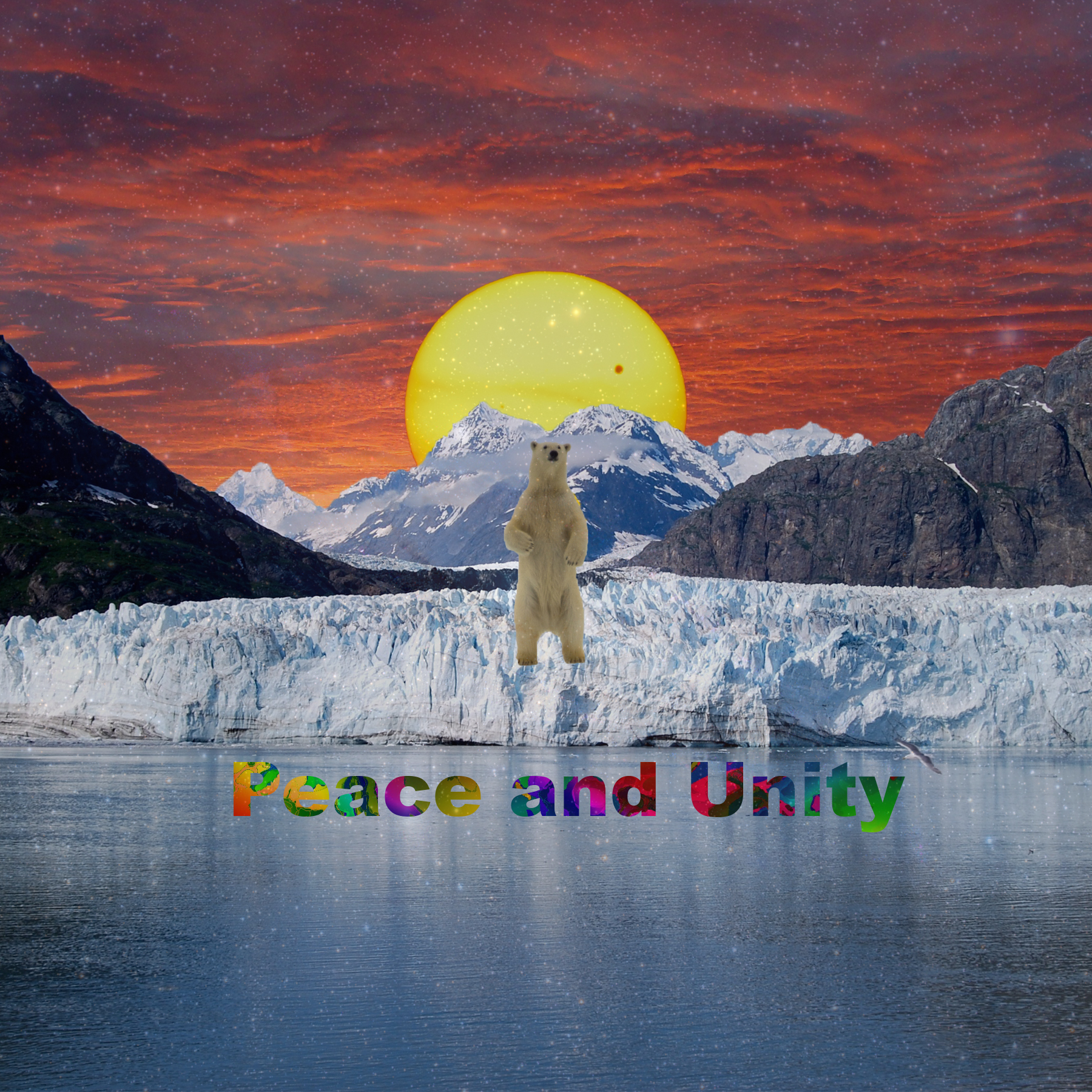
In this assignment, I used the masking tool and advanced selections to make this design. I have to have at least five layers and three of the layers have to use the masking tool. After using the masking tool on layers, I would use the paint brush tool and change the opacity to create a filter effect in the design. I would also use the gradient tool in order for me to get a more accurate fade in the picture. I put words in design with a different background. I did this by using the text tool typing it out, selecting the text and hiding the layer. I then added another layer and pasted an image or background, then added a mask to adhere to the text made. I added another layer on top changing the opacity giving it a trance-like effect on the design. The design was 12”x12”, resolution is 150 ppi and color mode was RBG.

Photoshop: Original Compositions

I had to work with at least seven images to create two pictures that use the same images but arranged differently. I used the fall season because it is one of my favorite seasons and I picked different pictures that relate to the fall season. The image was 12”x12” with 150 ppi and color mode was RBG. To arrange them, I played around with their hierarchy of which layers are on top of each other and played with the scale of each image and used both techniques to change up my images. 

Photoshop: Altered Images

To get to my final product of these three dogs, I had to transform each picture by changing the image size in order to get them all relatively the same size. I also had to crop the three images once they were all the same size in order for me to create this even border and then filled in the blank space with a color. I created a shadow by playing around with backdrop background effect and increasing the shadow on each of the pictures. The color mode was RBG, the resolution was 150 ppi and the dimensions

About Alex Bernabe

A little about my life

I am a junior in the 6 year Physical Therapy program at Quinnipiac University and originally from San Diego, California, where I have lived my life with my Mother and Father and three younger sisters. During my time at Quinnipiac, I am graduating a year early with a double minor of Psychology and Biology. I am the Corresponding Secretary of the fraternity Phi Gamma Delta, or FIJI and my most memorable memory of my fraternity was during QThon where we lifted up our sponsored child, Colin, and allowed him to dunk a basketball. I have created multiple events through FIJI to fundraise money for the USO and also for the victims of the California Wildfires that happened in 2018. I hope to finish the last 3.5 years here at Quinnipiac University with my Doctorate in Physical Therapy and an amazing college experience.