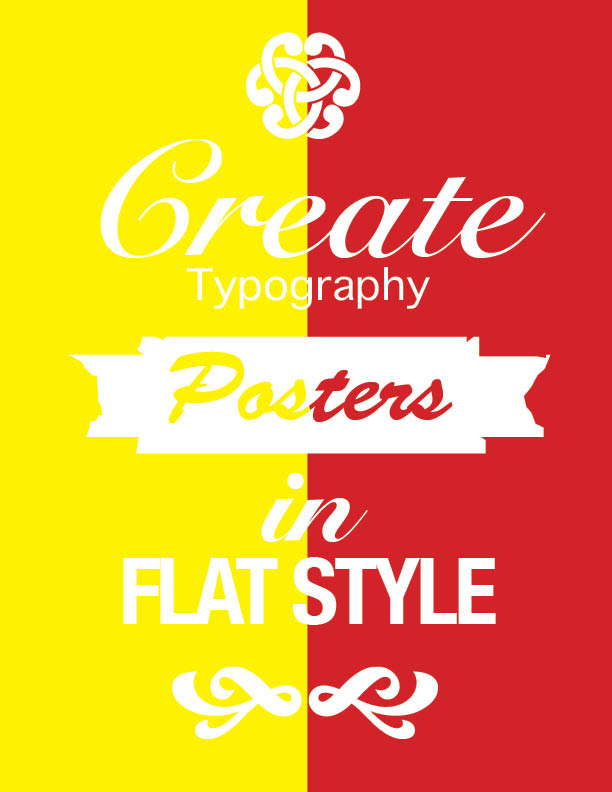
The images of the bottom, middle and bottom in between the letters were given to us and we were to use them and change the size of them by understanding how to use the selection tool and direct selection tool. You can use the selection tool and press shift and option to increase the size of the image entirely. We then had to select the font that was closely related to the given format and changed the sizing and use the tools at the top to change the sizing and spacing of the letters. the letters were not exact, but we were very close to the size that was provided.